Uninstallation
MiSAR AIO allows installed MiSAR modules to be removed directly from the interface.
This can be useful if a module needs to be reinstalled, reset, or removed from the local system.
Uninstalling a MiSAR Module
To uninstall a MiSAR module:
- Open MiSAR AIO:
python3 MiSAR.py
-
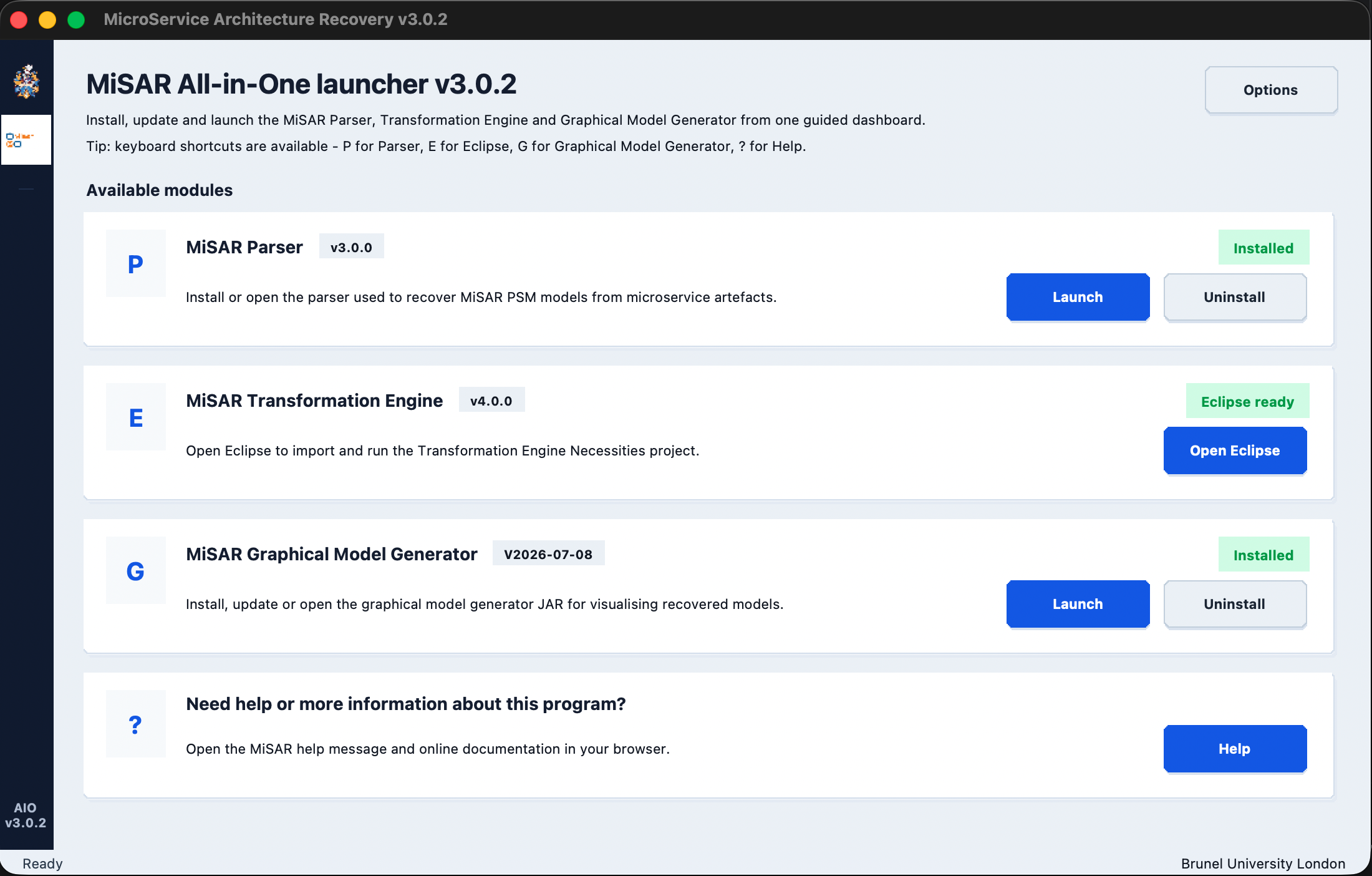
Find the module you want to remove.
-
Click the corresponding Uninstall button.
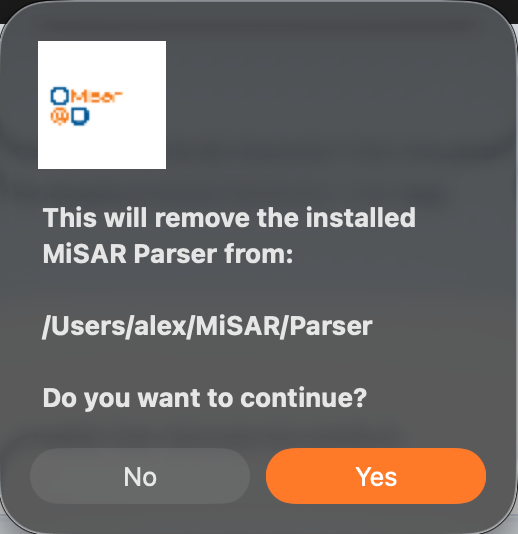
- A confirmation message will appear showing the installation directory that will be removed.
-
Click Yes to continue.
-
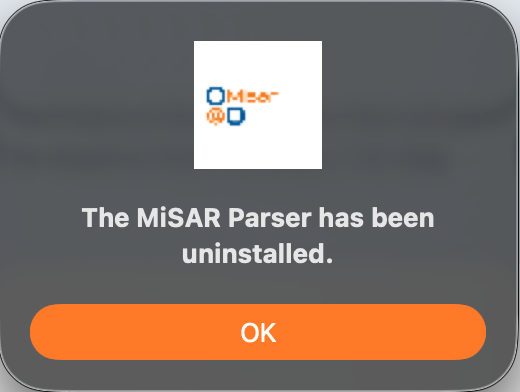
After the uninstall process finishes, a success message will appear.
Verifying Uninstallation
MiSAR installs its modules inside the MiSAR folder in your home directory.
To verify whether a module has been removed, check the following location:
HOME_DIR/MiSAR
For example, on macOS or Linux this may be:
/Users/your-username/MiSAR
On Windows this may be:
C:\Users\your-username\MiSAR
If the corresponding module folder has been removed, the uninstallation was successful.
Notes
-
Uninstalling a module only removes the installed module files from the local
MiSARdirectory. -
The main MiSAR AIO project folder is not removed.
-
If needed, the module can be installed again by launching it from MiSAR AIO.